QwikTwik Docs
Make Windows faster — without breaking it.
QwikTwik is a Windows optimization tool. Watch the 2-minute tour, then dig into the guides.
QwikTwik Docs
QwikTwik is a Windows optimization tool. Watch the 2-minute tour, then dig into the guides.
Guides
Each guide is a focused, real-world write-up: the exact problem, the solution, and the precise tabs to use inside QwikTwik. No fluff, every step reversible.
The problem
Windows 11 feels heavy in games — background apps, telemetry, and default power settings eat into frame times.
The fix
A repeatable order of operations: clean baseline, controlled tweaks, then validate against real gameplay instead of guessing.
The problem
Your aim feels mushy or delayed even on a fast PC — clicks and movement don't register the instant you make them.
The fix
Stabilise the USB and scheduler path, then layer optional Pro input tweaks (MSI mode, xHCI moderation, raw input queue) and measure the difference.
The problem
Older or budget hardware can't keep up — low FPS and constant micro-stutter make games hard to enjoy.
The fix
Cut overhead first (startup, debloat, indexing, cleanup), then apply targeted system tweaks so frame pacing becomes smooth even if peak FPS stays modest.
The problem
High ping, jitter, and rubber-banding ruin online matches — and you're not sure if it's Windows or your connection.
The fix
A measured baseline-change-retest loop using QwikTwik's network controls to cut jitter and packet loss without breaking your stack.
The problem
Windows ships with bloatware and background apps you don't want — but aggressive debloat scripts break Update, Store, and drivers.
The fix
A layered, reversible debloat strategy that removes the noise while keeping every core Windows path intact.
The problem
Games stutter and hitch at random — frame times spike even when average FPS looks fine.
The fix
Separate shader-compilation stutter from system-contention stutter, then fix each layer one change at a time.
Guides
More Windows optimization guides selected for the docs area.
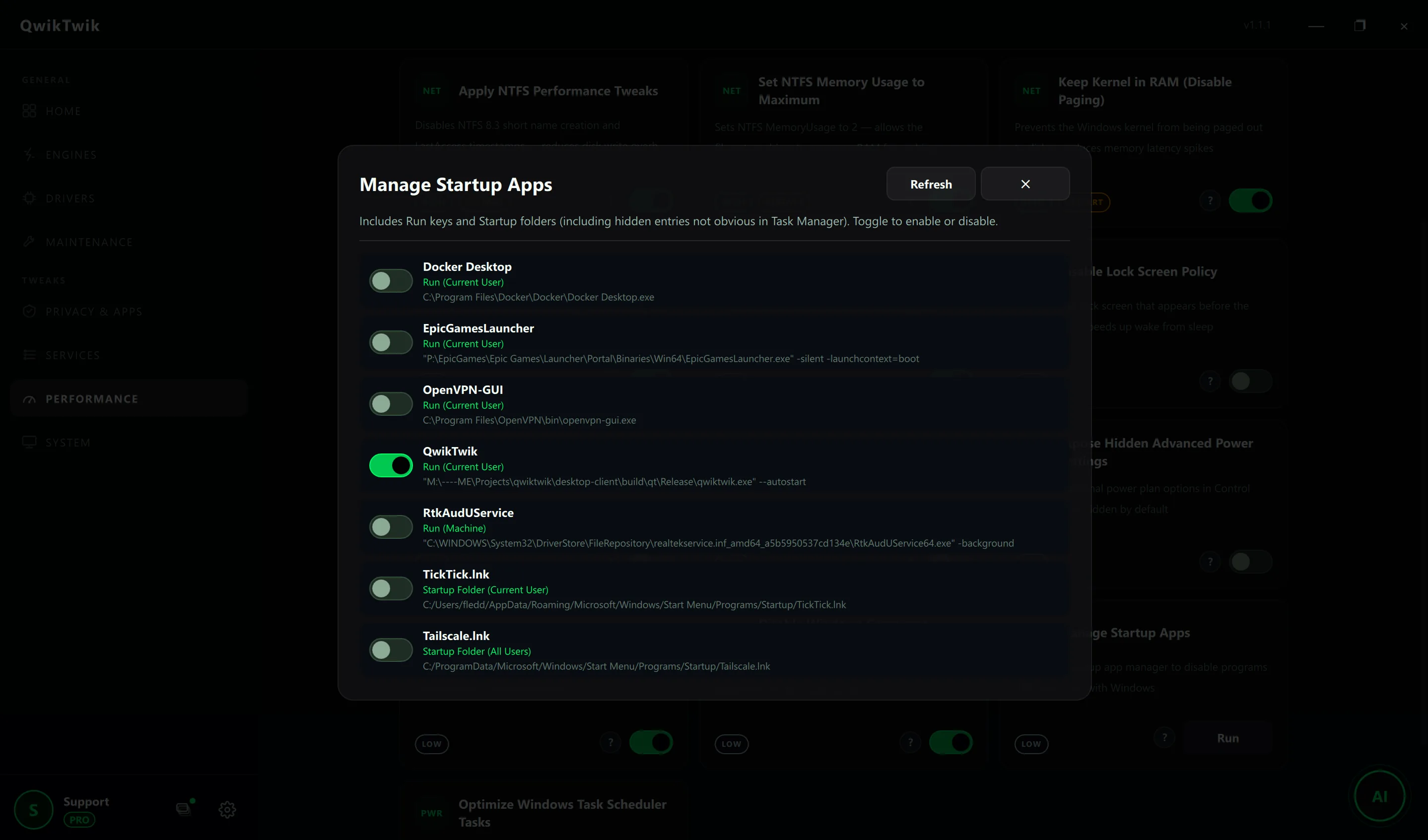
Storage tuning checklist to improve load consistency and reduce unnecessary I/O overhead for game libraries.
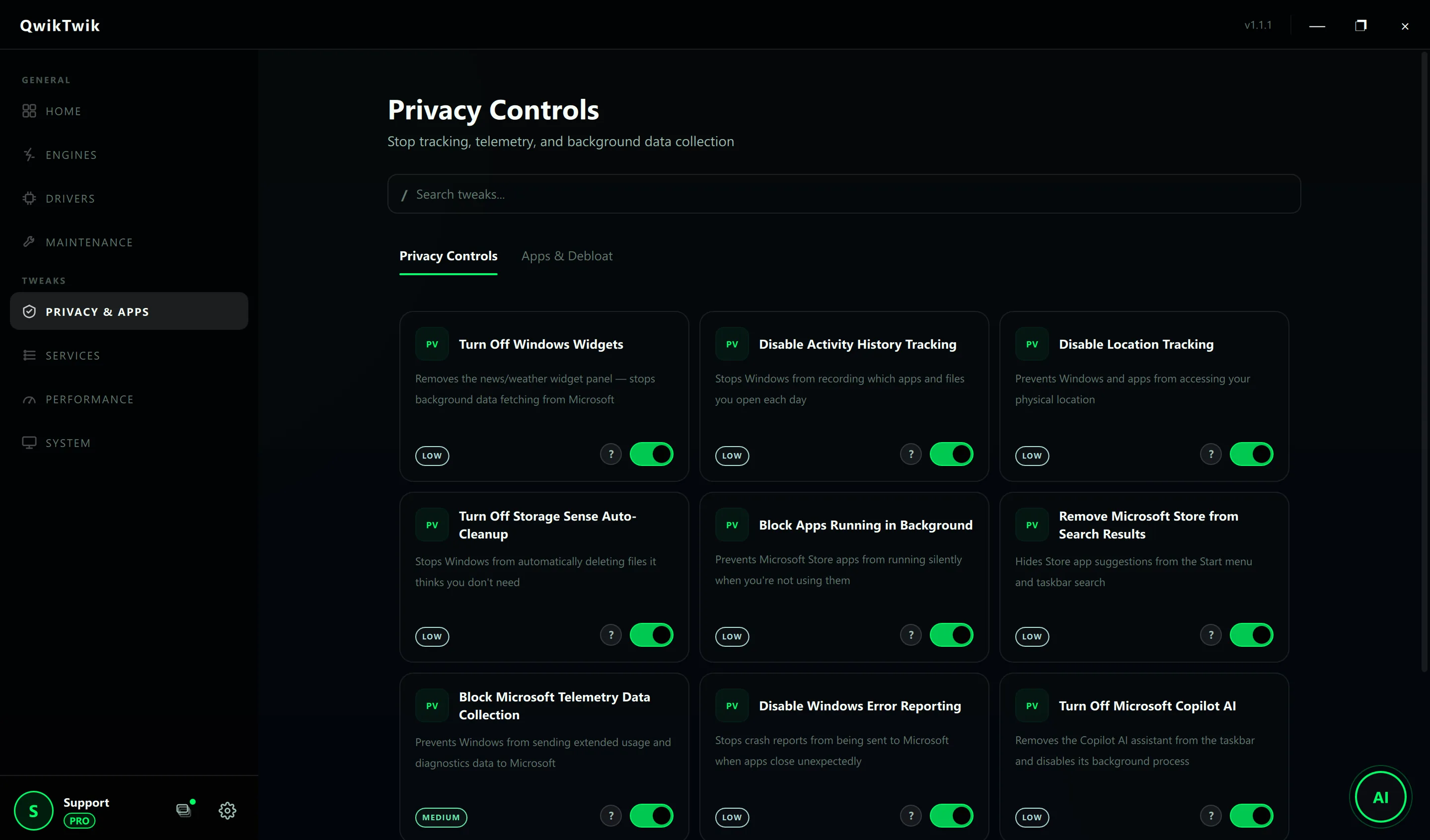
A privacy-first and performance-aware approach to reducing telemetry and background data collection noise.
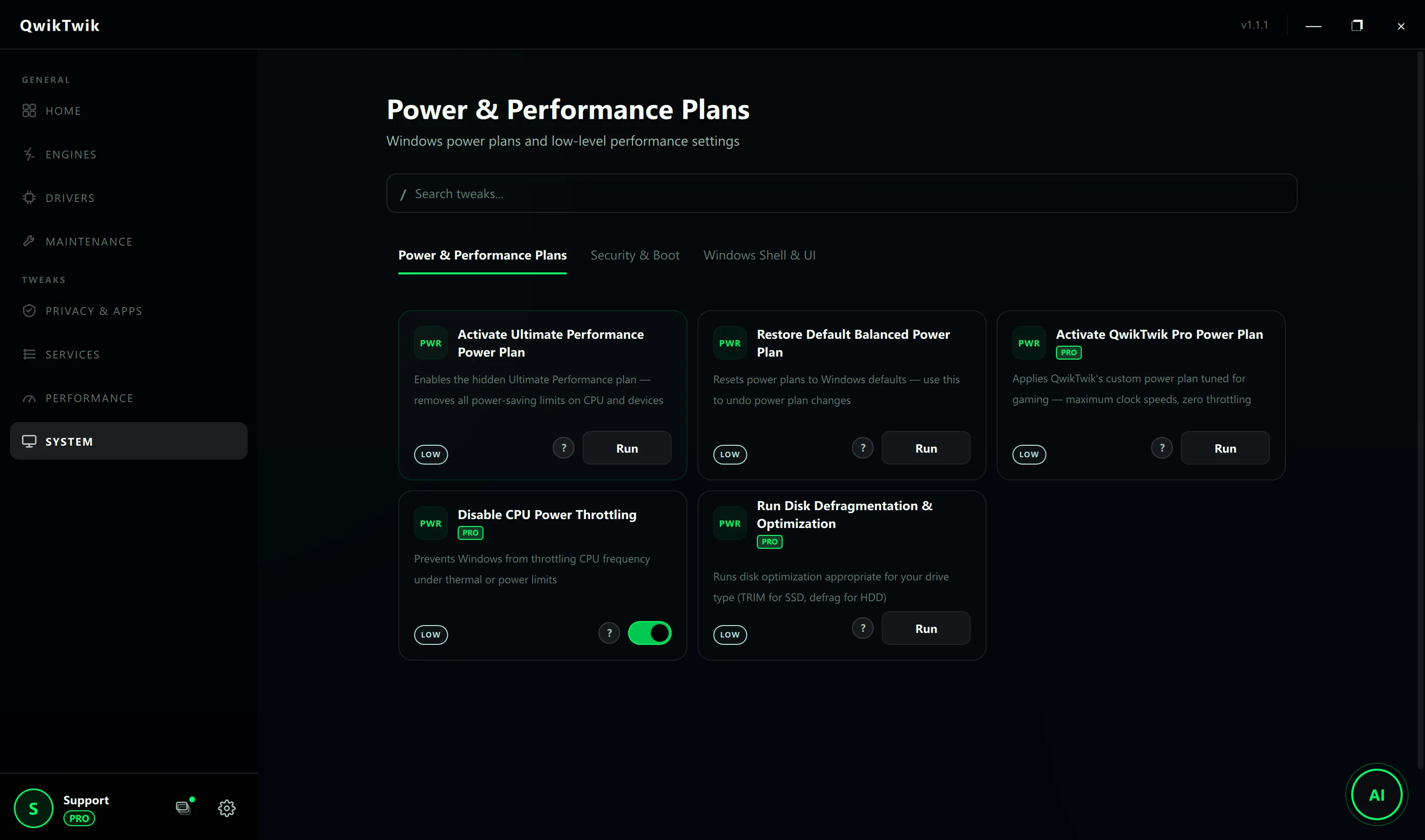
Power tuning guide for faster CPU responsiveness, reduced boost delay, and predictable long-session performance.